

Go to Marketplace
Choose Auto Scalable TomEE Cluster
Set up TomEE Cluster
Setup Complete
Deploy
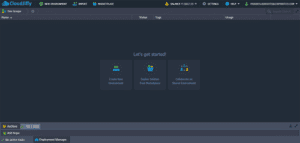
Go to Marketplace
The ability to run TomEE in clusters is one of the main benefits of CloudJiffy. You can deploy a TomEE cluster in CloudJiffy by simply visiting our MarketPlace.

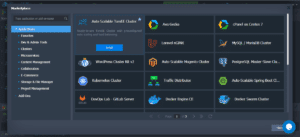
Choose Auto Scalable TomEE Cluster
Search for Auto Scalable TomEE Cluster and click on Install

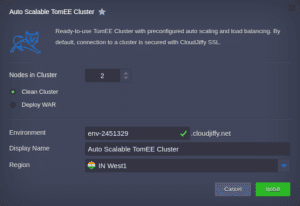
Set up TomEE Cluster
Give your environment a name, a subdomain name and Choose your location you want the application to be hosted in and click on Install and the platform will set up the environment for you.

Setup Complete
Your environment is ready. All the necessary credentials are sent your registered email ID. This is how your environment will look like


Deploy
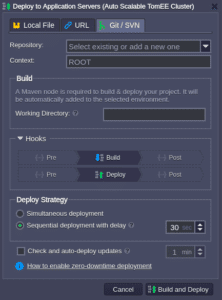
Hover your mouse in front of the deploy option and you can choose any of the 3 deployment options and Deploy your application. You can also automate the deployment process based on your requirements.